
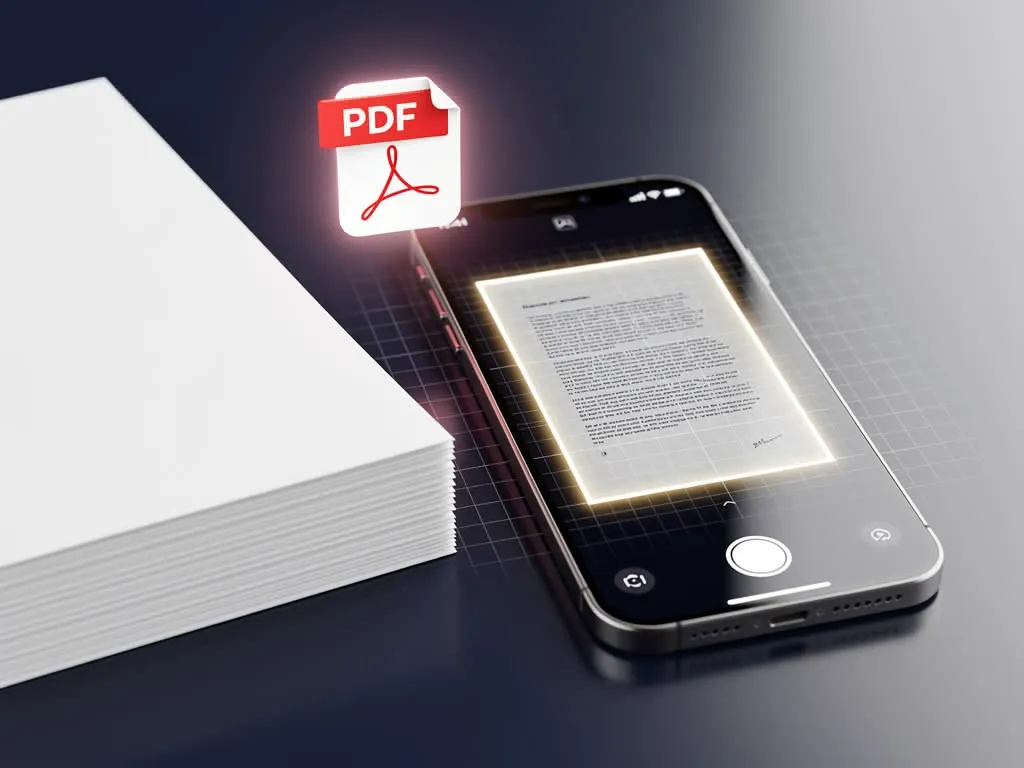
A scanned document used to be a strange kind of object: visible to you, invisible to your computer. You could pull a contract up on screen, read every word with your own eyes, and yet the machine in front of you saw nothing but a picture. No way to search it. No way to copy a line. No way to fix a typo without rescanning the whole thing. For years that gap quietly slowed the move from paper to digital, because converting a filing cabinet into image files didn't actually make the information usable, it just changed where it sat.
What follows is how that gap closed, why the fix matters most in fields where finding one line out of thousands can't wait, and what to look for in an app once your archives become genuinely searchable.
How OCR Turns a Picture Back Into Words
Optical Character Recognition is the technology that taught computers to read. Rather than treating a scan as one flat image, OCR examines the shapes inside it, the curves and strokes that form each letter, and matches them to actual characters. The output is text the machine can select, search, and process, recovered from what used to be nothing more than pixels.
Pair that capability with the PDF, and a scanned file changes character entirely. Instead of a static visual record, you get a document you can query. A scanned contract becomes something you can search by keyword; a digitized stack of records becomes a small database you can move through in seconds.
That shift carries real weight in a few fields in particular:
- Law — locating a specific clause across thousands of pages of discovery without reading each one by hand.
- Healthcare — pulling a single patient record or test result out of years of digitized files.
- Finance — surfacing a line item buried in archived statements during an audit or review.
The catch is that none of this works smoothly unless the app behind it can process conversions accurately and keep large archives responsive.
OCR opens the door; the tool you use decides how well you can walk through it.
Where Basic Viewers Start to Struggle
Reading a single PDF is easy. Working with hundreds of OCR-processed ones is a different demand altogether, and it's where many default viewers begin to show their limits.

Built-in system viewers were generally designed to display files, not to carry the weight of large, text-rich archives. Feed one a heavy OCR-processed portfolio and you tend to see the symptoms: slow rendering, sluggish scrolling, the occasional crash when the file is simply too much for the tool to hold. For occasional reading that's tolerable. For a workflow that runs on document volume, it becomes a steady tax on time.
There's a second consideration that arrives alongside searchability. The moment a scan becomes machine-readable text, any sensitive details inside it become easy to find too, by anyone with access to the file. Names, account numbers, and medical information that were once locked inside an image are now indexable. That convenience cuts both ways, which is why protection matters more after OCR, not less.
The practical answer is rarely a single program. Most modern setups need two things working together: something light and quick for everyday viewing, and something more capable for the heavier work of processing, managing, and securing documents.
Matching Foxit's Tools to How You Actually Work
Foxit splits along exactly that line, with one product built for reading well and another built for transforming and protecting documents at scale.
Foxit PDF Reader: built to stay light
If your day is mostly opening, reviewing, and marking up files, Foxit PDF Reader is shaped for that rhythm. It's engineered to stay lightweight, so large, searchable PDFs tend to open quickly rather than leaving you waiting on a spinner. A full set of annotation tools lets you highlight passages and leave comments without bringing in a separate app, which keeps reviews moving. On the security side, Safe Reading Mode steps in to block potentially harmful scripts embedded in a file from executing, so a routine open doesn't quietly turn into a risk.
Foxit PDF Editor+: built for the heavy lifting
When the work moves past reading into actively reshaping and managing documents, Foxit PDF Editor+ covers the broader ground. Its OCR is built for accuracy, which makes batch-processing stacks of scanned files far less of a manual ordeal. Around that sits a Document Management System that gives your files a proper home: cloud storage, role-based access controls so people see only what their role allows, and version history tracking that keeps a clear record of changes over time.
Two more pieces round out the lifecycle. AI-enabled Smart Redact is designed to identify sensitive information, now easier to surface precisely because OCR made it searchable, and permanently remove it before a file goes out. That last word matters: properly removing text is not the same as drawing a box over it, and genuine redaction closes that gap. Paired with native eSign for legally binding signatures, the platform handles a document from scan to signature without forcing you to hop between disconnected tools.
The thread tying all of this together is fit. OCR turns flat images into smart, searchable data; the right app determines whether that data stays fast to reach and safe to share. Whether you need a quick, dependable way to read digital files or a fuller toolkit to process and protect them, choosing the tool that matches your actual workload is what keeps your documents accessible, searchable, and secure over the long run.
This article contains promotional content for productivity apps. We may earn a commission for purchases made through the links provided on this page.
